Start here
What is an AI humanizer?
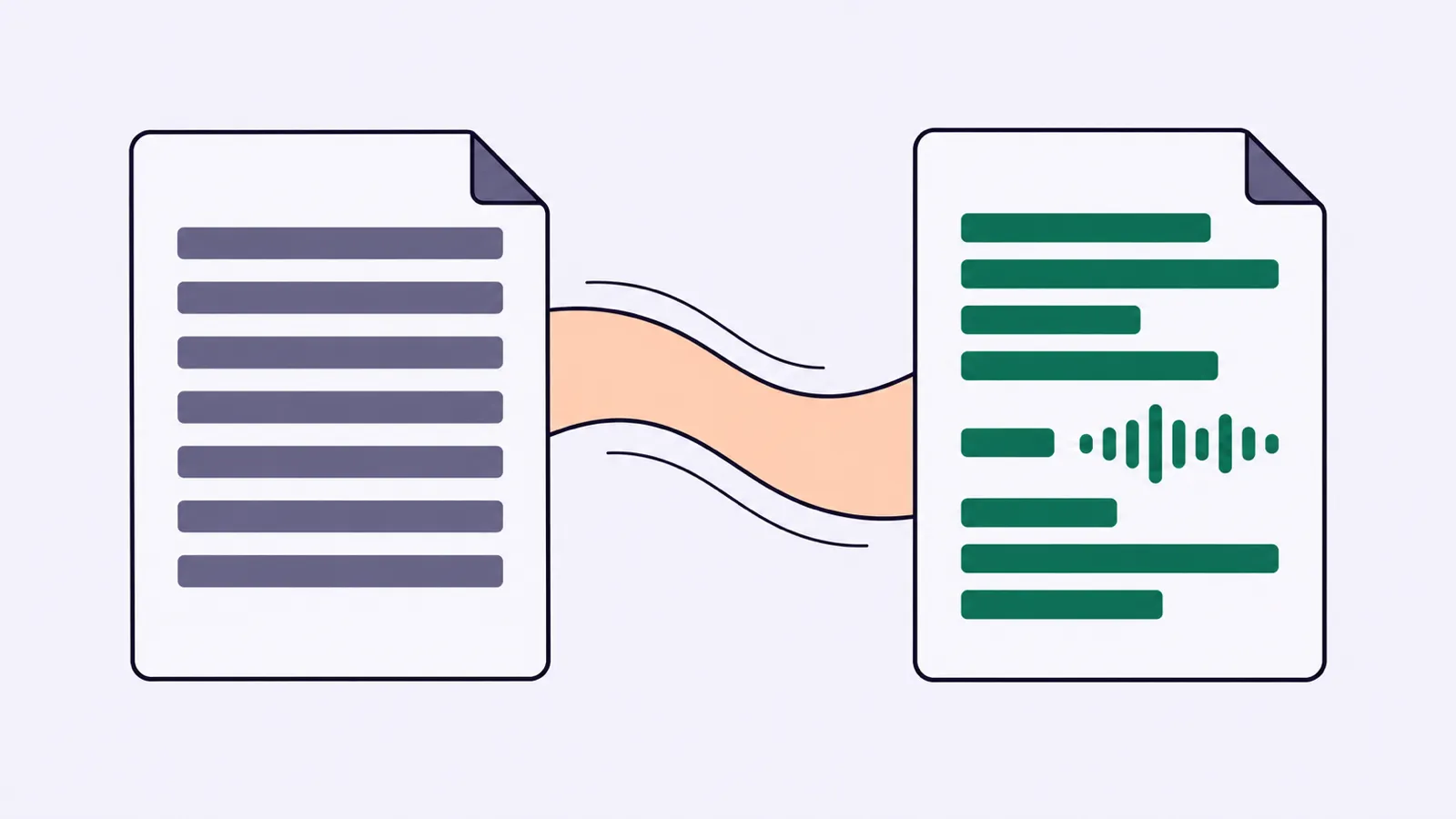
An AI humanizer rewrites text to make it read more naturally. You give it a draft, and it produces another version with different wording, sentence shapes, or tone. The name describes a goal. It does not mean a person has checked the result.
Think of it as an editing assistant with limited context. It can turn a stiff sentence into something easier to read. It cannot know whether your story happened, whether your source supports a claim, or whether the finished piece sounds like you unless you give it enough guidance.
The useful question is not whether the text now looks human. It is whether the rewrite helps a reader understand what you mean.
What a humanizer does to a draft
Consider this made-up AI draft:
Before: "The implementation of a weekly planning session can facilitate improved communication among members of the project team."
Editorial rewrite: "A weekly planning session can help the project team communicate."
The rewrite replaces a noun-heavy phrase with a clear subject and verb. It also drops words that add length without adding information. The claim stays cautious: a meeting can help, but the sentence does not promise that it will.
A humanizer may make this kind of change, though the exact output depends on the tool and input. The examples in this guide show editing choices, not results from a particular product.
Common changes include:
- Replacing formal wording with familiar words.
- Splitting a sentence that carries too many ideas.
- Joining short sentences that repeat the same point.
- Changing passive wording when the actor is known.
- Removing repeated introductions and transitions.
- Adjusting the level of formality.
Some tools may also rearrange paragraphs. That can help the flow, but it gives you more to check. A sentence moved away from its explanation may become misleading.
How it works, without the technical fog
Humanizers can use language models, rules, or a mix of approaches. A language model generates wording from patterns learned during training and the instructions it receives. A rule-based system might replace stock phrases or change a familiar sentence pattern.
The details differ between services, and a simple input box does not tell you which approach runs underneath. A polished interface also says little about how well the system preserves meaning.
In practical terms, the process has three parts. The tool receives your draft, applies a rewriting instruction, and generates an alternative. If you ask for another version, you may get different choices rather than a clearly better answer.
That matters because the tool is producing language. It is not necessarily verifying the world described by that language. A fluent sentence can still contain an invented fact.
Natural writing is more than casual wording
Contractions can help a friendly email sound less stiff. They are not a universal cure.
Before: "We would like to inform you that your order has been dispatched."
Editorial rewrite: "Your order has shipped."
Adding "hey" would not improve this message. The reader wants the update, and the direct version provides it.
Now consider a warning:
Before: "Access to the storage room is prohibited during maintenance."
Editorial rewrite: "Do not enter the storage room during maintenance."
The second version is natural because it is clear about the action. It stays serious. Humanizing should suit the reader and situation, not turn every piece of writing into a chat between friends.
Vocabulary alone is also a weak guide to authorship. A person can write formally, and a model can write casually. No single word proves how a passage was created.
What a humanizer cannot supply
A tool cannot truthfully add your experience when it does not have that experience to work from.
Before: "The new booking form improved the customer experience."
Bad rewrite: "After we launched the form, customers told us booking was finally painless."
That sounds more concrete, but it invents customer feedback. The draft contained no interviews, survey results, or support messages.
A responsible edit would ask what changed. If the writer can confirm that the form no longer requires an account, the sentence could become:
Rewrite with a confirmed detail: "Customers can now book without creating an account."
The improvement comes from a fact supplied by the writer. The humanizer did not discover it.
The same limit applies to opinions. A tool can manufacture a confident position, but the author still needs to decide whether that position is defensible.
Small wording changes can alter the facts
The most dangerous edits can look harmless.
Before: "The update may reduce loading times on older phones."
Unsafe rewrite: "The update makes older phones load faster."
The rewrite removes uncertainty and broadens the claim. It also shifts attention from loading times to the phones themselves.
Check words such as "may," "must," "only," "some," and "unless." They carry meaning even when they make a sentence less smooth. Dates, quantities, names, and comparisons deserve the same care.
Keep quotations intact unless you are clearly paraphrasing them. A nicer sentence inside quotation marks is no longer an accurate quote if the source did not say it.
For a closer look at preserving meaning, read AI humanizer vs paraphraser.
When using one makes sense
A humanizer can be useful when the underlying draft is sound but the wording slows readers down. Think of a product explanation with too many formal phrases, or a routine email that takes a paragraph to reach its point.
It may also help you see an alternative when you are too close to your own sentence. You do not have to accept the whole rewrite. Borrowing one cleaner phrase can be enough.
Editing by hand is often faster when the passage is short or needs missing information. If the problem is an unsupported argument, changing the prose will not solve it.
Our manual editing guide walks through that work with examples.
A sensible first-pass workflow
- Save the original draft so you can compare versions.
- Identify the reader and the job the passage must do.
- Mark facts, quotations, and qualifications that must survive.
- Rewrite one section rather than an entire mixed-purpose document.
- Compare the meaning before judging the style.
- Read the result aloud and edit anything you would not normally say.
Use a harmless sample when trying an unfamiliar service. Check its data terms before pasting private work. A writing tool cannot decide what you have permission to share.
How to judge the result
Ask whether the reader can find the point sooner. Check whether each paragraph earns its place. Look for specific details that are supported, not details added to make the writing feel personal.
A useful rewrite should leave you with less repair work. If you keep restoring caveats, removing fake anecdotes, or correcting odd word choices, the tool is not helping on that passage.
Do not make a detector score your final quality check. A score does not tell you whether the writing is accurate or useful. The guide to humanizers and AI detectors explains that distinction.
Keep the version that says what you mean, at the right level of detail, in words your reader understands. Sometimes that will be the tool's suggestion. Sometimes it will be your original sentence.